Connect a Data Source
Summary
In the Connect Data Source section, you can configure integrations for various cloud providers like AWS, Azure, GCP, and Kubernetes.
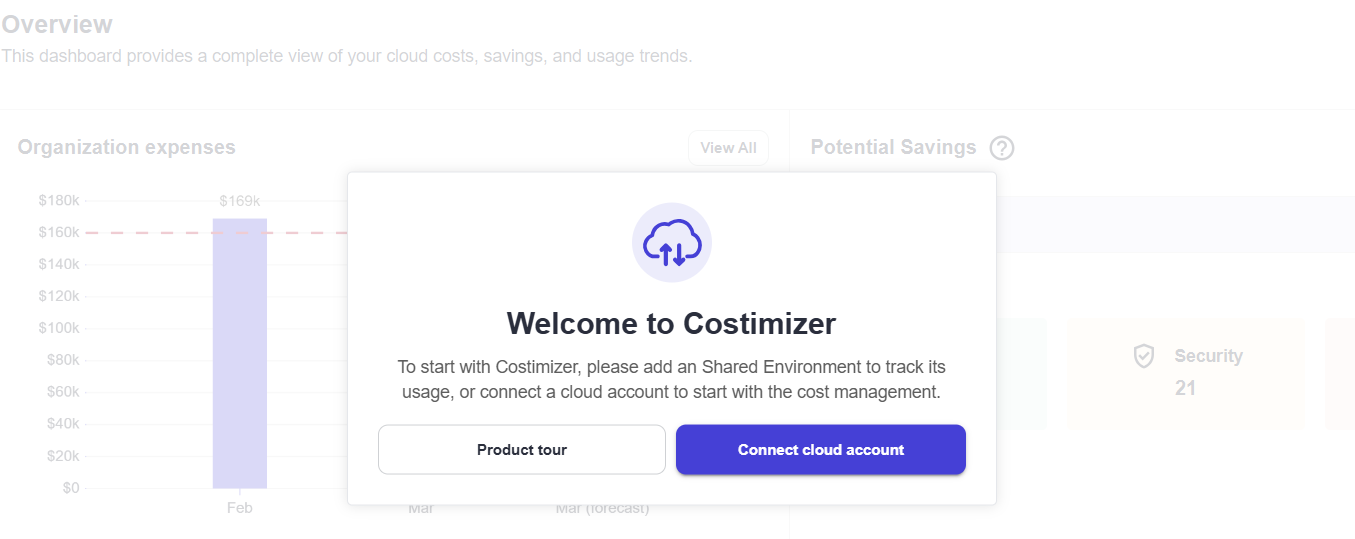
Use the Connect Data Source page to register Alibaba, AWS, Azure, Databricks, GCP cost centers, or Kubernetes clusters.
Required role: Organization Manager or Manage Cloud Credentials
What you can do
- View Available Connections — Look at the icons at the top of the page to explore the available options.
- Programmatic Credentials — Review the list of required details for a successful connection.
Actions
- Select a Data Source — Click the Data Source icon to choose your source.
- Fill in Fields — Enter the required credentials.
- Connect the Data Source — Click Connect to establish the connection.
Provider guides
Select your provider below to view the specific connection steps:
- AWS — Assumed Role (recommended), Root account, or Linked account
- Azure — Subscription or Tenant
- GCP — Project or Tenant
- Kubernetes — Helm-based metrics collector
- Alibaba
- Databricks
- Nebius
Tips
- Ensure correct credentials — double-check that you've entered the correct credentials to avoid connection issues.
- Choose the right data source — select the appropriate data source based on your needs to ensure seamless data access.
- All cloud connections use read-only access unless you explicitly enable autonomous execution. See Security & privacy.